

Theme script and a button
Sell offers beside your Shopify store with Plandalf
Add the Plandalf script to your theme and a button to any template. It opens a focused checkout for a campaign, a paid upgrade or a service.
Plandalf does not replace the Shopify cart or create Shopify orders.
Shopify Stripe
checkout.completedinvoice.paid
How it connects
Shopify keeps the catalogue and cart. Plandalf runs the offer.
The cart stays in Shopify. A theme script and a button open a separate offer.
How Plandalf reaches Shopify
Theme script and a button
The SDK goes in theme.liquid before the closing body tag. Buttons carry data-plandalf-present on product, landing and blog templates.
Use it for a VIP upgrade, a booking, an event ticket, a digital product or a campaign that should not go through the normal cart. The Shopify path keeps working, and the Plandalf offer is a separate sale with its own invoice.
Checkout embed available
Shopify owns
- Catalogue, inventory and cart
- Shipping, tax and fulfilment
- Theme, collections and pages
Plandalf owns
- Focused offers and paid upgrades
- Deadline promos and countdowns
- Invoices and post-purchase automation
Same on every platform: payment goes through your own Stripe or PayPal account, Plandalf keeps the invoice, and every Offer has a hosted link and a test mode link.
What syncs
What moves between Shopify and Plandalf
There is no native Shopify app in Plandalf. The two sit side by side, joined by the page and by the buyer’s email.
| What | How it works | What it needs |
|---|---|---|
| Theme script | The SDK loads from theme.liquid or a managed script area, once per page. | Edit access to the theme |
| Buy button | data-plandalf-present on a product, landing page or blog template opens the offer. data-plandalf-apply-promo adds a promo price. | A published Offer slug |
| Discounts and carts | Shopify supports URL discount codes and cart permalinks, so promo traffic can also land on a pre-loaded Shopify cart. | No app install |
| Orders and inventory | A Plandalf sale is recorded in Plandalf. No Shopify order is created and Shopify stock does not change. | Do not sell Shopify stock through it |
Why add Plandalf
What Shopify’s own checkout can’t do
From Shopify’s help centre and developer docs. Shopify checkout is strong at carts, and these are the edges sellers hit.
Most checkout customisation is Plus only
Standard branding is on Basic and above. Apps and extensions on the information, shipping and payment steps are available only on Shopify Plus.
Non-Plus stores can change the thank-you page, not the checkout
Basic stores can add eligible apps and content blocks on the thank-you and order status pages, but not on the earlier checkout steps.
Countdown timers are discouraged in checkout apps
Shopify’s app store guidance tells checkout apps not to add countdown timers. A Plandalf countdown lives on your own pages and in the Plandalf checkout.
Post-purchase upsells are app-based and capped
They come from apps, a buyer can accept up to three, and Shopify holds fulfilment on the order while the offers are open.
Sources: Customize checkout configurations, App Store best practices, Post-purchase offers limit.
Set it up
Add Plandalf to a Shopify theme in four steps
Duplicate the theme first and work in the copy.
- 1
Pick the offer that sits beside the store
Choose the upgrade, service, booking, ticket or campaign checkout that should skip the Shopify cart, and publish it in Plandalf.
- 2
Load the SDK in the theme
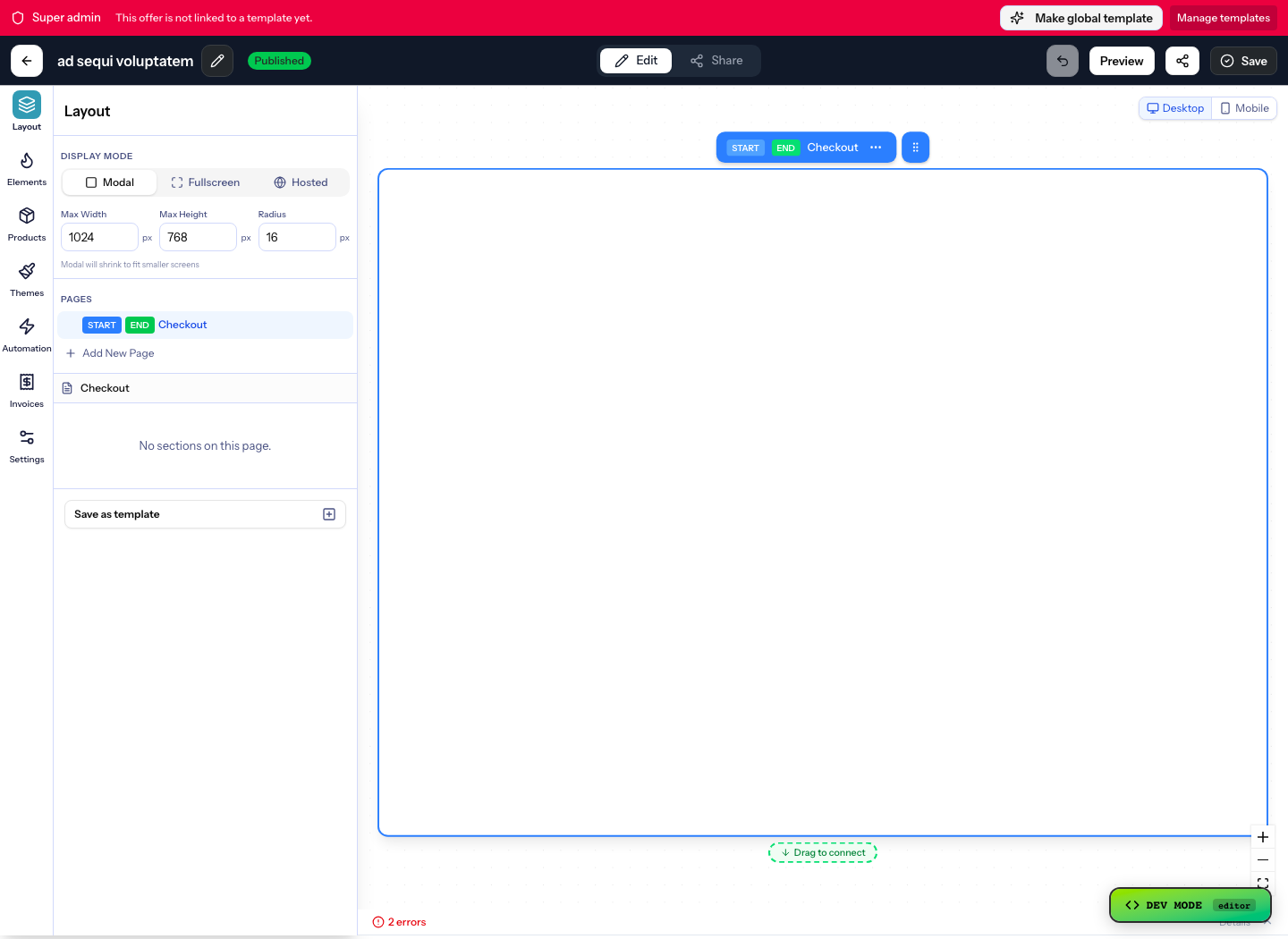
Add your organisation’s script before the closing body tag in theme.liquid, or through a managed script area.
<script src="https://your-org.plandalf.dev/js/plandalf-sdk.js" async></script> - 3
Add a Plandalf button to the template
Use data-plandalf-present on the product, collection, landing or blog template where the offer belongs. Add data-plandalf-apply-promo for a launch price.
<button data-plandalf-present="vip-upgrade">Add VIP upgrade</button> - 4
Test both paths
Confirm the Shopify cart still works, then complete the Plandalf offer in test mode and match the invoice to the buyer.
- Read the Shopify setup guide →
Gotchas
What catches people out on Shopify
Do not hide a second checkout behind Add to cart
If a buyer should complete the Shopify cart and a Plandalf offer, make the handoff explicit in the page copy and in your fulfilment. Hiding a second checkout behind a normal add-to-cart is the mistake to avoid.
Physical stock stays in Shopify
Plandalf does not decrement Shopify inventory or ship anything. Use it for upgrades, services, digital goods and campaigns, and keep the shipped products in the cart.
Separate records
Revenue appears in Plandalf and your payment provider for Plandalf offers, and in Shopify for cart orders. Reconcile them separately.
Edit a copy of the theme
A broken theme.liquid takes the store down. Edit the duplicate, preview it, then publish.
Integrations
Keep your site. Upgrade how it sells.
Plus a fully documented REST API and webhook layer for whatever’s not in the list.
































Questions
Shopify checkout questions
The short answers. The docs have the long ones.
Can I add an upsell to Shopify checkout without Plus?
Not on the information, shipping and payment steps. Shopify limits apps and extensions there to Plus. A Plandalf button opens a separate offer, with its own bumps and upsells, from any template on any plan.
Does Plandalf replace the Shopify checkout?
No. Shopify keeps the catalogue, cart and orders. Plandalf runs focused offers beside it, such as a paid upgrade, a service or a campaign page.
Does it work with Shopify and Stripe?
Plandalf takes payment through your own Stripe or PayPal account for the offers you run in it. Shopify Payments handles the Shopify cart, separately.
Can I show a countdown timer on a Shopify page?
Yes. Add a div with data-plandalf-promo and your promo slug to a template, and put data-plandalf-apply-promo on the Plandalf button so the price follows the deadline.
Will Plandalf create a Shopify order?
No. A Plandalf sale is recorded in Plandalf. Do not use it for products that need Shopify stock or shipping.
Where do I put the Plandalf script in Shopify?
In theme.liquid before the closing body tag, or through a managed script area. Load it once.
The team
Built by a team obsessed with conversion.





15+ years testing every pricing model under the sun. Every part of Plandalf comes from a real checkout problem we’ve had to solve ourselves.
No credit card required. Nothing to migrate.